
PATLive Dev

Client Intake

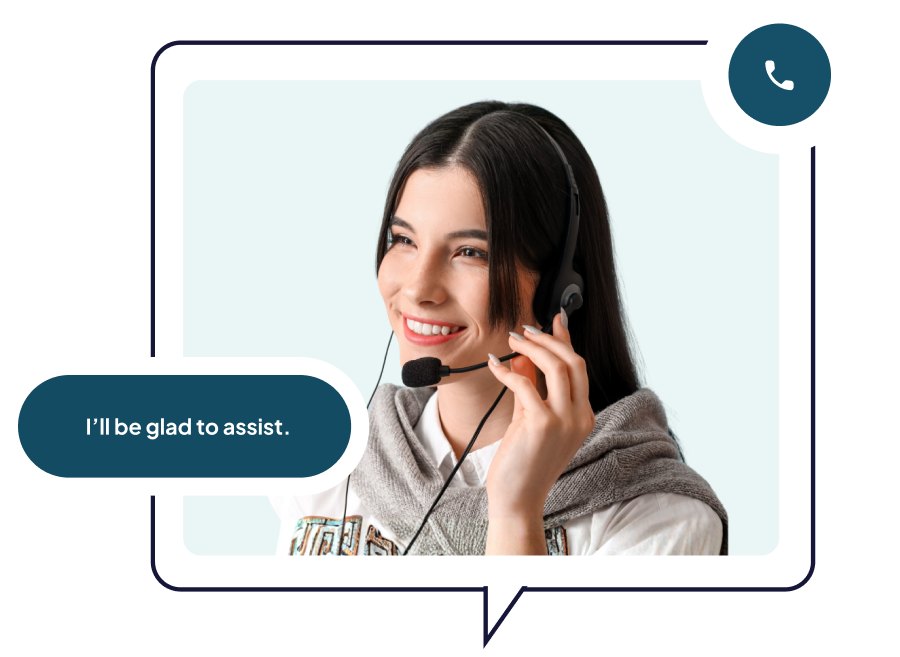
Client intake is time‑consuming, detail‑heavy, and too important to get wrong — which is exactly why putting it in expert hands matters. PATLive receptionists are intake pros, undergoing a rigorous 120-hour Precision Performance Training to ensure all details are accurately captured and clients feel valued.
Key Benefits

New Clients Get a VIP Experience on Day One
From the very first call, customers feel like they really matter. A personable receptionist trained in the art of phone client intake warmly welcomes the caller with professionalism and empathy, so your business feels responsive and organized. Even if you’re a solo practitioner or juggling multiple priorities, clients perceive a seamless, high-touch experience.
All Essential Details Are Accurately Captured
No one is phoning it in here. PATLive receptionists follow custom call handling instructions we’ve designed with you to a T, ensuring all necessary details are gathered and nothing is forgotten. And rest assured, compliance is woven into the process, so you can breathe a sigh of relief knowing every detail is handled with care.
Tremendous Time Saver
By enlisting PATLive’s experienced phone client intake team, you avoid the administration burden of early-stake intake that would otherwise be on the shoulders of you or your staff members. Pretttttttttty sure you can spend that time and energy doing something much more productive. Our 24/7/365 receptionists collect all the preliminary details, letting you focus on deeper inquiries down the line.
Clients Move Faster
No one wants to be in the slow lane. When we handle all the preliminary busy work, clients progress to the next step faster. Our detail-loving receptionists gather and organize all the info, so professionals like you can glide in and do your thing. That equals faster response, prep and scheduling—and happier clients all around.

The PATLive Effect

Clients are welcomed promptly and personally, without waiting for your availability

Intake progresses immediately, even when you and your staff are tied up

You receive clear, complete client details, exactly the way you want them

You can progress quickly since the upfront details are covered

A consistent, professional start for every new client, anytime they call

Clear, relevant lead intake details are dropped directly into your CRM of choice

Common Appointment Scheduling Scenarios in Practice

Pre-consultation questions that require basic screening

Initial case or service details needed before booking

Background info collected ahead of the first appointment

Eligibility questions that must be answered before scheduling

Needs that influence next-step routing

imely outbound follow‑up to drive speed to lead

More Ways We Can Help

Lead Capture

Identify and qualify opportunities early by gathering essential prospect information during the initial conversation.

Appointment Scheduling

Move qualified clients directly into your calendar for a faster, more efficient customer journey.

Front Desk Receptionists

Create a welcoming first-touch experience while ensuring every client receives prompt attention and proper routing.

Frequently Asked Questions

How do I get my calls to PATLive?
When you sign up for service, we’ll provide a local or toll-free phone number. You can either advertise this number directly, or you can forward your calls to it from your current number. Forward calls all the time, or only at certain times.
Can calls ring to me first and then rollover to PATLive if I don’t answer?
Yes, with our FindMe feature, we can try to reach you at up to four different numbers before calls rollover to your PATLive receptionists.
Do calls go to me when my status is set to Available?
One of our live receptionists will always answer your calls first, but when your status is set to Available, we’ll attempt to transfer callers to you when directed to do so in your call handling instructions and/or when callers request to speak with you.
Can I have my calls handled differently across each of the six Unavailable statuses?
Yes, in addition to Available, there are six Unavailable statuses (At Lunch, Away from Desk, In a Meeting, Do Not Disturb, Gone Home and Out of Office) that you can use. Just let us know what you’d like us to do when you’re in each status, and we’ll ensure receptionists handle your calls accordingly.
Can I customize the info you collect when you take a message?
Yes, on Starter plan and up, you can add custom fields to your message template to ensure you get the exact information you need from callers.
Can you enter messages directly into my CRM or other software?
Yes, we can input messages into into any web-based software you’d like us to use
My calls will never be sent to voicemail unless I ask you to, right?

Correct, 100% of your calls will be answered by one of our live receptionists, and we will never send your callers to voicemail unless you direct us to.

However, sometimes customers want their callers to be able to leave a voicemail instead of relaying a message, so we offer both options.

Get Started

You’ve built a business worth calling. Let’s make sure every caller feels that from the very first hello. Start a Free Trial or schedule a call. Let’s talk!